
10 Essential WordPress Plugins For New WordPress Installation
WordPress boasts a plethora of influential plugins that can significantly augment your blog’s features. At the time of crafting this article, the WordPress Plugin Directory houses over 6,000 such plugins.
Different WordPress plugins surf their own purposes, and installing too many plugins will slow down your system and increase the loading time. So, how should we choose the necessary plugins for our blog? Most of the new WordPress users will ask this question.
In this article, we will list down 10 essential WordPress plugins for a new blog. These are common plugins that will help you to secure your WordPress blog, fight spam, and increase your search engine ranking.
1. Akismet
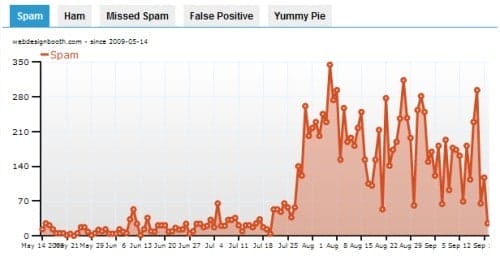
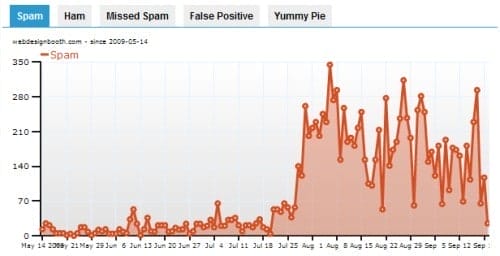
Akismet is a powerful anti spam plugin for WordPress. It comes with your WordPress installation, but you need to register at WordPress.com in order to get your unique API key and activate the plugin. Some WordPress users choose to review the spams, because sometimes Akismet will incorrectly marks a legitimate comment as spam.
2. Google XML Sitemap Generator
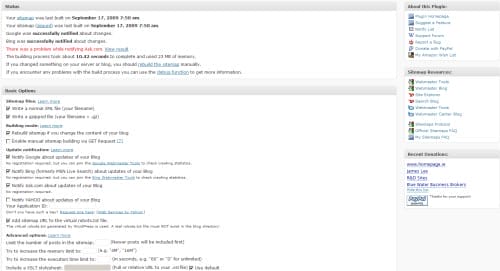
The Google XML Sitemap Generator will create a sitemap for your blog. The generated sitemap will compliant with Google, Yahoo, Bing and Ask.com. Furthermore, this plugin can automatically notify the search engines about the updates of your blog.
3. All in One SEO Pack
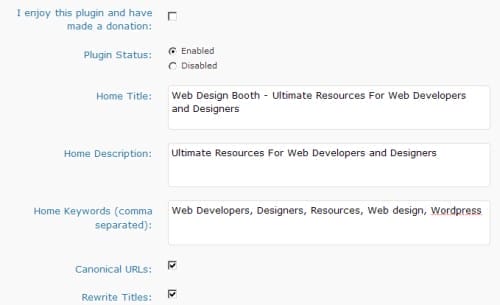
All in One SEO Pack is a must have plugin if you want your blog ranks higher in search engine. After install this plugin, you can tweak your title, description, and also insert keywords for each of your articles. You can have this plugin to dynamically generates keywords for your posts too.
4. Contact Form 7
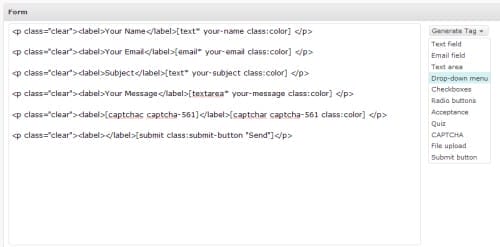
Contact Form 7, as its name explains, is a WordPress plugin that easily lets users create a contact form. This plugin supports Ajax-powered submitting and CAPTCHA anti spam. However, the CAPTCHA module had been separated as Really Simple CAPTCHA plugin. With this plugin, you can have different inputs in your contact forms. For example, yuo can have checkboxes, selection boxes, radio buttons, textboxes, email inputs and etc.
5. WordPress Related Posts
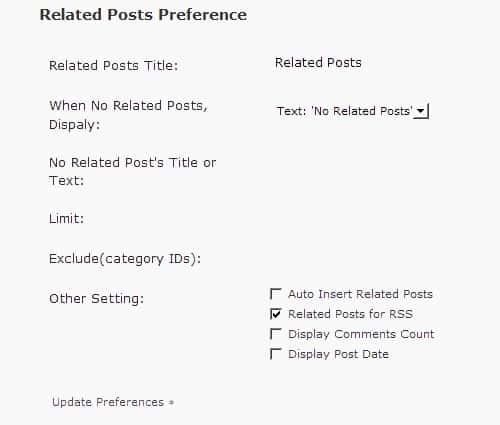
This plugin can automatically generates related posts via WordPress tags. There are a lot of similar WordPress plugins that able to generate related posts too, but i personally prefer this plugin because it is easy to use without much configurations. This plugin able to automatically insert related posts for RSS feed too.
6. Feedburner Feedsmith Plugin
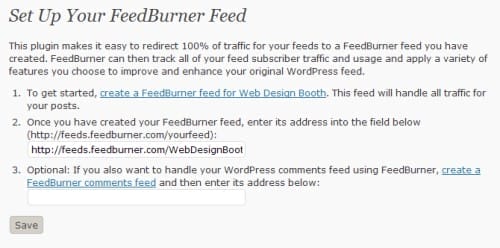
If you are using Feedburner to host your feed, then you should download this plugin. The Feedburner Feedsmith plugin will automatically redirect your feed to Feedburner.com. So, it will slightly increase your Feedburner RSS subscribers counts. I can’t find the official page for this plugin, so i include the direct link to the plugin file. After the installation, just go to your Settings -> Feedburner to set your blog’s Feedburner address.
7. WP DB Backup
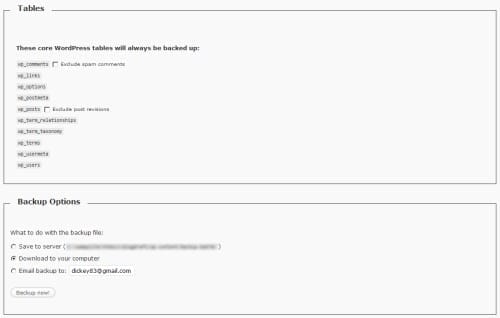
WP DB Bakcup allows WordPress users to easily backup the database. This is essential so that you won’t lost your content even if your site get hacked. There are 3 different methods to backup your database:- save to server, download to your computer, and email. You may also schedule your WordPress backup using this plugin.
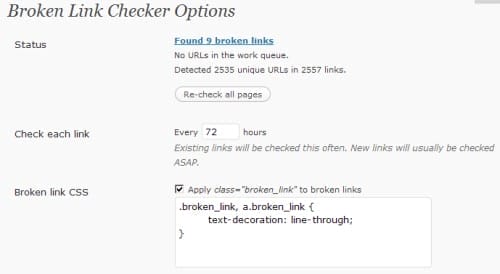
8. Broken Link Checker
This handy plugin can performs checking on your outgoing links and list out those dead links. Dead links are dangerous because they will affect your search engine ranking.
9. StatPress Reloaded
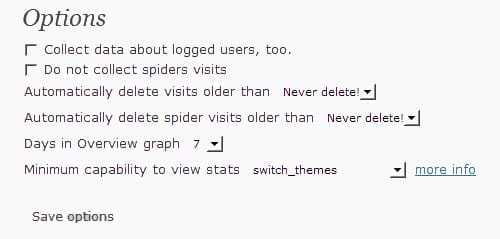
StatPress Reloaded is a powerful plugin that able to track your visitors. It shows your daily visitors, pageviews, spiders and also feeds accesses. StatPress Reloaded also tracks the search terms, referrers and last pages. You may still need to install Google Analytics to do more complicated analysis, but this plugin provides you a quick view of your visitors and page views.
10. Antivirus for WordPress
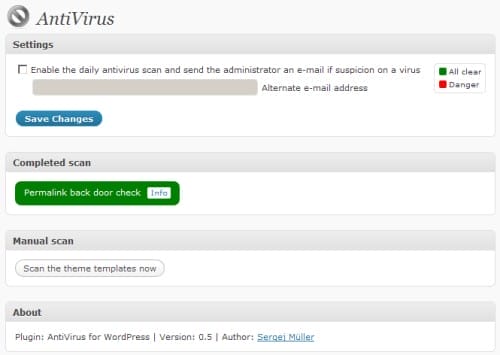
This cool little plugin will help you monitors and detects malicious code in your WordPress system. You can enable the daily antivirus auto scan feature, the administrator will receive an email if the plugin detects any virus the the system.
Extra tips:
MembershipWorks – and specifically if you’re starting up a nonprofit, club, charity or some other kind of membership organization.
You might want to consider getting a free trial of a robust membership site plugin which can fulfill most of the functions you’ll need – everything from handling donations, sending newsletters to event ticketing.