WordPress Block Editor Tutorial: Master the Art of Seamless Content Creation in 2024 Using The Gutenberg Tutorial

Take a look at our manual on the 2024 WordPress Block Editor. If you’re a beginner in building WordPress websites, you might find it challenging at first. Nevertheless, it’s crucial to understand block creation to fully harness the power of WordPress.
However, by breaking down its complexities, we unlock a realm of possibilities that redefine content creation through using WordPress.
This guide aims to equip you with the knowledge to navigate the digital landscape of website development creatively and functionally, including learning how to use the new WordPress block editor, which is a pivotal tool for creating WordPress content.
Key Takeaways
- Block-based editing in the default WordPress block editor enhances creativity and flexibility by enabling users to easily select and position blocks within their layout. Users can customize each block type using block settings.
- Mastery of blocks simplifies content creation and design, acting as a foundational wordpress plugin for your editing toolkit, with the Gutenberg plugin being a prime example of enhancing this usability.
- Utilizing block plugins enhances website appeal and functionality, allowing users to extend the Gutenberg WordPress editor beyond its default blocks and explore its full potential.
- Regular maintenance ensures optimal performance and security for WordPress websites utilizing the WordPress editor and the maintenance of block plugin compatibility.
Understanding the Basics of the WordPress Block Editor
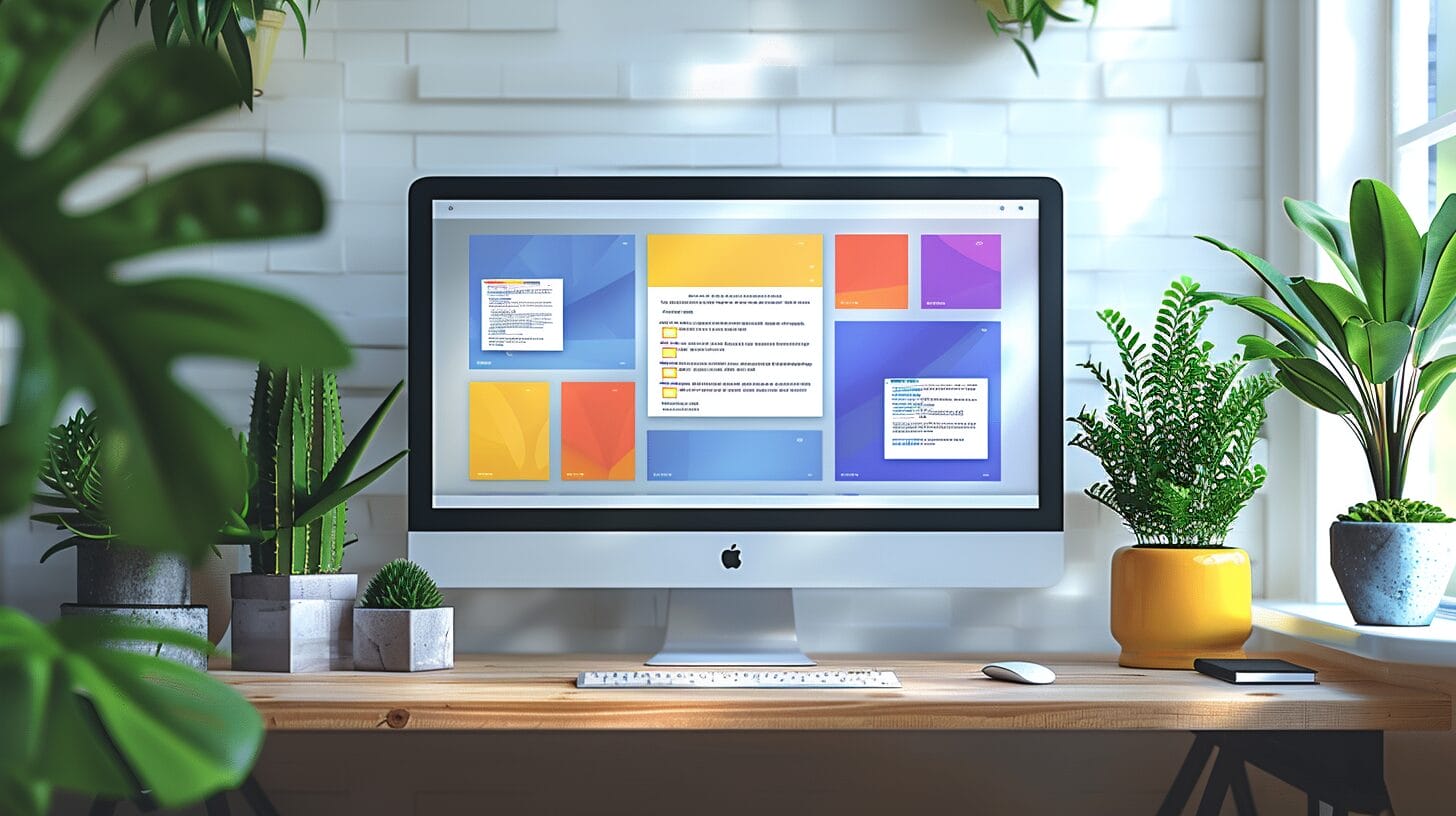
Gutenberg, the WordPress Block Editor, revolutionizes content creation through a block-based approach, departing from the traditional single text field. It integrates diverse content blocks for dynamic layouts, overcoming the limitations of the TinyMCE editor.
The intuitive interface, with drag-and-drop functionality and real-time previews, caters to both beginners and experienced developers, streamlining website development and emphasizing advanced capabilities over the classic editor plugin.
Setting Up the WordPress Block Editor on Your Web Hosting Platform

To set up the WordPress Block Editor, choose a compatible web hosting provider for WordPress, ensuring support for Gutenberg plugins and themes. Install and configure WordPress on your server using the hosting provider’s control panel, activate the classic editor plugin if needed, and link your URL to WordPress through your domain registrar for seamless integration.
This connection enables your website under the chosen domain name, facilitating a streamlined WordPress experience with block themes and the WordPress Gutenberg block framework.
Utilizing a structured tutorial, like the WordPress Gutenberg tutorial, can simplify the setup process and encourage engagement with the WordPress community for support and insights.
Mastering the Use of Blocks in WordPress Block Editor

Mastering the WordPress Gutenberg block editor involves understanding and utilizing various blocks, such as custom blocks, for dynamic content creation. These blocks enable easy addition, movement, and customization of webpage elements, enhancing design and layout.
Block patterns, pre-designed layouts insertable with a block, save time and ensure design consistency across your WordPress website. Mastering blocks enhances visual appeal and streamlines content creation, enabling flexible addition of text, images, videos, or interactive elements with ease.
Improving Your Website’s Appeal with Advanced Block Editor Features Tutorial

Optimize your WordPress site’s layout and responsiveness by incorporating multimedia blocks for engaging content. Integrate third-party blocks to enhance functionality using the site editor. Explore advanced features like specific block plugins to enrich your WordPress content experience.
- Web Host: Choose a reliable provider for fast loading speeds and uptime to ensure your WordPress posts load efficiently for all visitors, which is crucial for the performance of sites using the WordPress Gutenberg block editor.
- Hosting Provider: Select one that meets your WordPress site’s needs, especially considering the choice between the Gutenberg plugin and the option to install the classic editor plugin for those preferring the old classic editor interface.
- Domain: Register a unique domain name that reflects your brand for your new WordPress site, ensuring it’s ready for the integration of block content, custom blocks, and the site editor functionalities.
- Server maintenance is crucial: Optimize settings for performance and security as part of WordPress maintenance to enhance the user experience with using WordPress.
- WordPress: The vibrant wordpress community plays a crucial role in the continuous improvement of the WordPress platform. Regularly update WordPress, themes, and plugins for new features and security.
Can the WordPress Block Editor be Integrated with Cloudflare Back to Top Button for Seamless Navigation?
Yes, the WordPress Block Editor can be integrated with Cloudflare Back to Top Button for enhancing wp navigation 2024. This integration can provide seamless navigation for users, allowing them to easily scroll back to the top of the page with just one click.
Maintaining and Troubleshooting Your Website with the Block Editor

Regular maintenance and troubleshooting are crucial for a smooth user experience when using new editor features and block plugins in the default WordPress editor. Use the WordPress block editor checker tool to identify and fix content issues, ensuring all components, including columns blocks, function correctly.
This tool is essential whether you’re using Gutenberg or the classic editor through a plugin. Keep the Block Editor updated for access to new features and enhanced security, ensuring compatibility with WordPress 5.0’s new block editor standards.
Conclusion
This tutorial prepares you to master the WordPress Gutenberg Editor in 2024. Learn the basics, set up the editor on your web hosting platform, and explore advanced features to create seamless and engaging content for your WordPress website.
Keep discovering the Gutenberg Block Editor to enhance your online presence. Happy editing with the new default WordPress editor! Remember, mastering Gutenberg improves content management, surpassing the capabilities of the old classic editor.
Frequently Asked Questions
How To Get wordpress block editor tutorial?
The WordPress Block Editor, Gutenberg, introduced in WordPress version 5.0, replaces the old TinyMCE editor with a modular approach. Adding a block through the toolbar demonstrates how to select a block in the content editor, enhancing the WordPress editor experience.
Gutenberg allows users to create and edit content using various blocks, marking a significant advancement in WordPress.
How do I use the Block Editor in WordPress?
To use the Block Editor in WordPress, simply create a new post or page and you will be taken to the Block Editor interface, making it seamless to transition from the old editor to the modern Gutenberg experience.
From there, you can create a block or customize different blocks, including the paragraph block and reusable block, to create your content for a page or post using WordPress.
What are Gutenberg blocks?
Gutenberg blocks, the foundation of the WordPress Block Editor, simplify content creation. You can easily add or modify blocks by clicking on your chosen element, showcasing an intuitive editor experience.
These blocks, like text, image, and video blocks, enable modular content creation in the WordPress Gutenberg Editor. Custom blocks cater to specific content needs, making them essential for engaging WordPress posts.
How can I add a new block in the WordPress Block Editor?
To add a new block in the WordPress Block Editor, simply click on the “+” icon located at the top left corner of the editor. This will open the block inserter tool where you can search for the specific block or custom block you want to add or browse through different categories of blocks, including those provided by block plugin enhancements.
How do I install plugins for the WordPress Block Editor?
To install plugins for the WordPress Block Editor, go to your WordPress dashboard, navigate to the “Plugins” section, and click on “Add New.” From there, you can search for specific block plugins or browse through the available plugins to find the ones that suit your WordPress site needs, enhancing your experience with the new WordPress block editor.