

Python developers often face the challenge of converting sets to lists for better data manipulation. Sets store unique elements but lack the ordering and indexing features that lists provide.
This guide shows four simple methods to perform python set to list conversion with clear examples and practical applications. Master these techniques today.
Key Takeaways
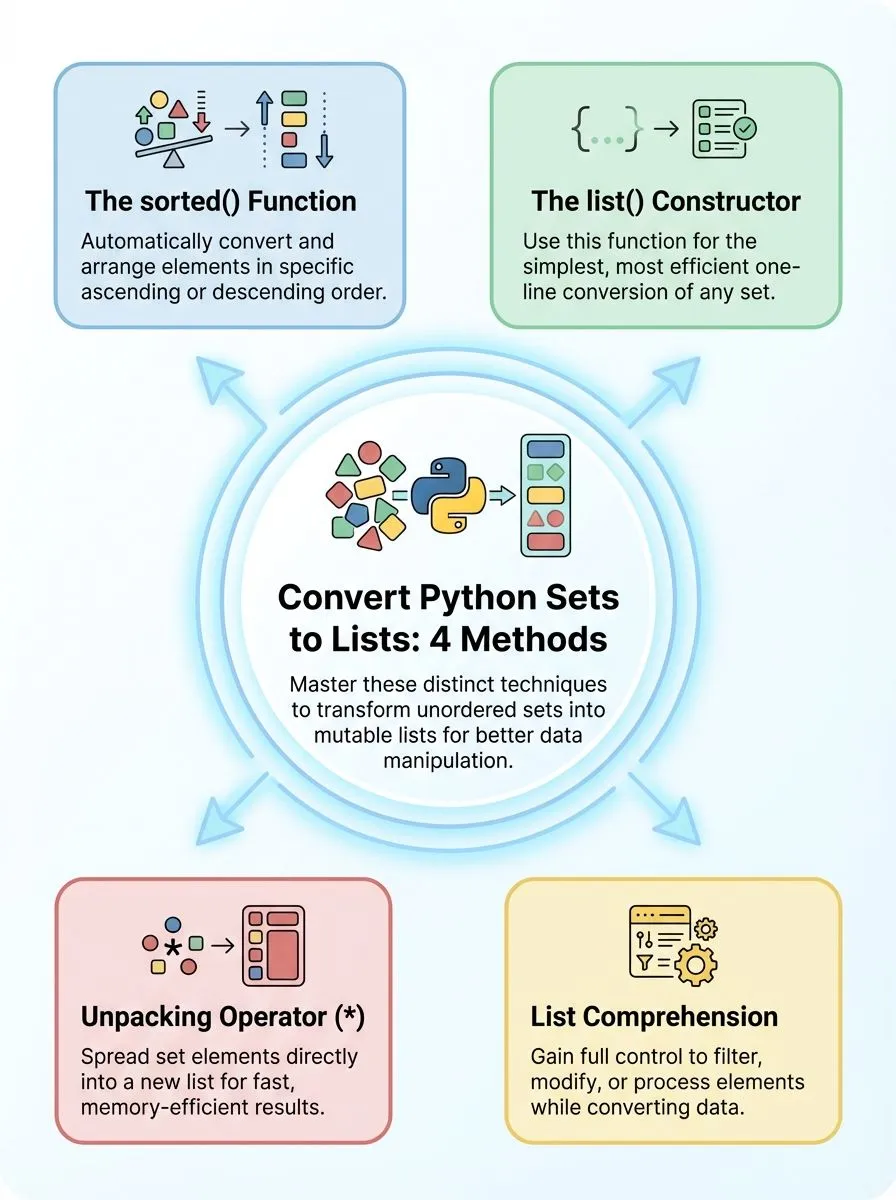
- Python offers four main methods to convert sets to lists: list() constructor, list comprehension, unpacking operator, and sorted() function.
- The list() constructor provides the simplest one-line conversion method using syntax like list(my_set) for any set data type.
- List comprehension allows filtering and transforming elements during conversion while maintaining clean, readable code for complex operations.
- The unpacking operator [*set_name] works fastest for simple conversions and uses less memory than other methods.
- The sorted() function converts sets to ordered lists, arranging elements in ascending order automatically during the transformation process.
Ways to Convert a Set to a List in Python

Python offers several straightforward methods to transform a set into a list, each with distinct advantages for different coding scenarios. These conversion techniques range from simple constructor functions to more advanced approaches that can sort or manipulate data during the transformation process.
How do I convert a set to a list using the `list()` constructor?
The list() constructor offers the simplest method to convert a set to a list in Python. This approach transforms any set into a mutable list data type with just one line of code.
- Pass the set directly to the list() constructor – The syntax requires placing the set variable inside the list() function brackets. Example:
a = {1, 2, 3, 4, 5}thenb = list(a)creates[1, 2, 3, 4, 5]. - Create a list from any set data structure – The constructor accepts any set as input, whether it contains numbers, strings, or mixed data types.
- Handle empty sets with ease – An empty set converts to an empty list using the same method:
list(set())produces[]. - Convert frozenset objects too – The list() constructor works with both regular sets and frozenset objects, creating mutable lists from immutable collections.
- Expect unordered results – Since sets maintain no insertion order, the resulting list elements appear in random sequence each time the code runs.
- Store the converted list in a variable – Assign the list() output to a new variable to preserve the converted data for future operations.
- Use this method for type conversion tasks – The constructor provides the most efficient way to change data types from set to list format.
- Apply this technique with any iterable – The list() function accepts sets, tuples, strings, and other iterable objects as valid parameters.
How can I convert a set to a list with list comprehension?
List comprehension offers a concise way to create a list from any iterable, including a set. This method gives you full control over the conversion process while keeping your code clean and readable.
- Create a basic list from set elements using simple syntax. Write
new_list = [item for item in your_set]to convert any set into a python list quickly. - Apply the method to a sample set with numbers. Take
a = {1, 2, 3, 4, 5}and useb = [item for item in a]to create the list[1, 2, 3, 4, 5]. - Transform set elements during conversion using expressions. Use
squared_list = [x**2 for x in number_set]to create a new list with modified values from the original set. - Filter specific elements while converting the set. Write
filtered_list = [x for x in my_set if x > 10]to include only elements that meet your condition. - Handle string elements in sets with list comprehension. Convert
word_set = {'apple', 'banana', 'cherry'}usingword_list = [word for word in word_set]for text processing. - Combine multiple operations in one comprehension statement. Use
result = [str(x).upper() for x in mixed_set if isinstance(x, int)]to filter and transform elements simultaneously. - Process nested data structures within set elements efficiently. Apply
flattened = [item for sublist in set_of_lists for item in sublist]when your set contains other collections. - Compare performance with other conversion methods for large datasets. List comprehension runs faster than using map functions or manual loops for most set conversion tasks.
How does the `*` unpacking operator convert a set to a list?
The unpacking operator offers a fast way to change sets into lists in Python. This method works by spreading all elements from the set into a new list structure.
- Place the asterisk before the set name inside square brackets. The syntax looks like
b = [*a]wherearepresents your input set. This creates a new list containing all set elements. - The operator unpacks each element from the unordered collection automatically. Python takes every item from the set and places it into the list format. No manual iteration is needed.
- This approach handles duplicate removal that sets already provide. Since sets contain no duplicate elements, the resulting list maintains unique values. The conversion preserves this characteristic.
- The method works faster than using list comprehension for simple conversions. Direct unpacking requires less code and fewer operations. Performance improves with larger data sets.
- Order remains unpredictable because sets are unordered collections. The sequence of elements in your final list may vary between runs. Sets do not maintain insertion order.
- Memory usage stays efficient during the transformation process. The unpacking operator creates the list without storing intermediate values. This saves computer resources.
- You can combine unpacking with other elements in the same list. Example:
new_list = [0, *my_set, 10]adds extra items before and after the set elements. This flexibility helps with data manipulation.
How can I use the `sorted()` function to convert a set to a list?
The sorted() function offers a powerful way to convert a set to a list while organizing elements in ascending order. This method proves especially useful when developers need ordered data from an unordered collection.
- Create a sample set with numeric values like {10, 20, 30, 40} to demonstrate the sorted() function’s capabilities with different data types.
- Apply the sorted() function directly to the set using the syntax my_list = sorted(sample_set) to generate a new list object.
- Observe how sorted() automatically arranges elements in ascending order, transforming the unordered set into an organized array structure.
- Use sorted() with string elements to see alphabetical ordering in action, making it perfect for organizing text-based data collections.
- Combine sorted() with reverse=True parameter to create descending order lists when specific sorting requirements demand different arrangements.
- Store the result in a new variable since sorted() returns a fresh list object rather than modifying the original set.
- Leverage sorted() for duplicate-free lists since sets naturally eliminate duplicate entries before the conversion process begins.
- Apply this method when working with hash-based data structures that require sortable output for display or processing purposes.
List comprehension provides another flexible approach for converting sets while applying custom transformations during the process.
Conclusion
Converting a set to a list opens up new ways to work with data in Python. Programmers can choose from several methods like the list() function, list comprehension, or the unpacking operator.
Each approach works well for different situations. List comprehension offers clean code, while the sorted() method arranges elements in order. These techniques help developers handle data more effectively and create better programs.
FAQs
1. What is the easiest way to convert a set to list in Python?
Use the list() function to create a list from a set. This method takes the set as a parameter and returns a new list with all elements from the set.
2. Why would I need to convert a set in Python to a list?
Sets are unchangeable and unordered collections, while lists allow you to append new items and maintain order. Lists also provide more list methods for data manipulation than sets offer.
3. Can I manually convert elements in the set to a list without using built-in functions?
Yes, you can iterate through the set and append each item to an empty list. However, this approach is less efficient than using the list() function directly.
4. What happens to duplicate values when converting from list to a set and back?
The set removes duplicate values since a set is an unordered collection of unique items. Converting back to a list will only contain one copy of each original element.
5. Are there other ways to unpack the set into a list format?
You can use the asterisk operator to unpack the set elements into a new list. This method involves using assignment with the unpacking syntax and a comma.
6. Can I use lambda functions or dictionary methods when working with set conversions?
Lambda functions work well for filtering or transforming elements during conversion. While dictionary methods don’t directly apply, you can combine sets with dictionary operations for more complex data processing tasks.
