32 Useful Portable Apps For Web Designers and Developers
Browsers
1. Firefox Portable Edition
Firefox is a popular web browsers and portableapps.com had created the portable version of this application. Install this application on your USB drive and you can bring your bookmarks along with you. I have this application in my USB drive together with some useful plugins.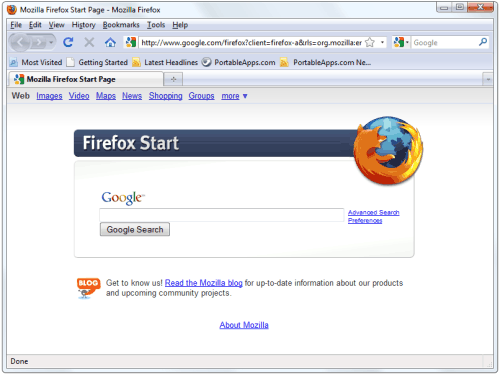
2. Google Chrome Portable
Google Chrome is a popular browser, and it has advantages over other browsers. For example, Chrome will run different tabs as separate processes, which will prevents different windows to interfering each other. So, grab the portable version of Google Chrome and start chroming.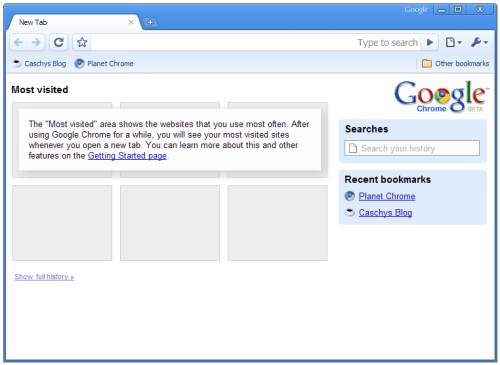
3. OperaUSB
Probably you want to try out your design in different browsers. We have Firefox portable, Chrome portable and IE installed by default. So, it is better for us to have Opera usb installed on our USB drive so we can try out our design in these popular web browsers no matter where we are.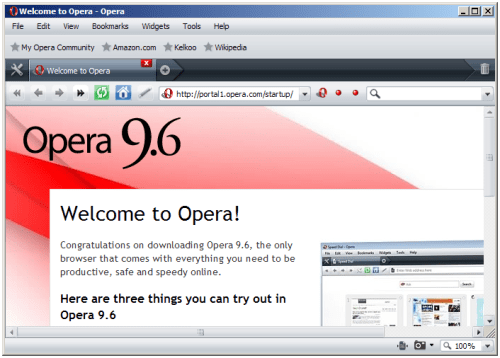
Text Editors
4. Notepad++
Notepad is one of the most popular notepad replacement for Windows. You can download the portable version of this application from the portable apps.com website.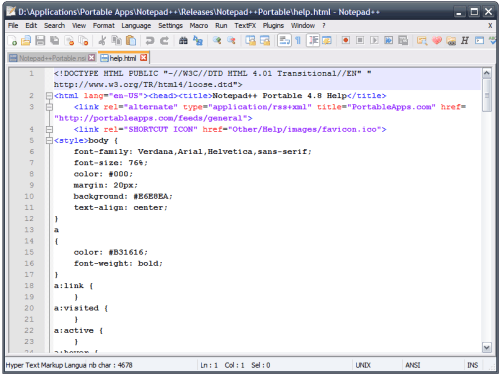
5. Web Design Toy
Web Design Toy is a simple application that will splits into two views where you can instantly preview the output when you type the HTML code. Download the application and double click the exe file to launch. No installation required.6. Oiko Visual CSS editor
NIKO IS a visual editor for CSS. It lets user design the CSS easily and use tree-node method to display the structure of the HTML and CSS. Choose the portable version when you download this application.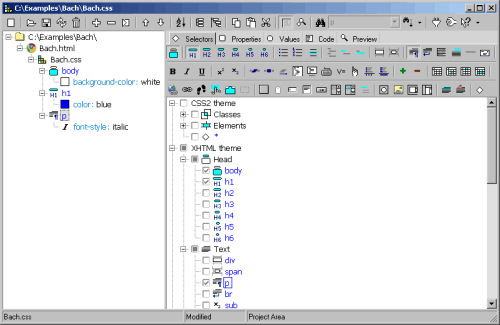
7. KompoZer Portable
Although we have Notepad++ and visual CSS editor, but an easy-to-use web editor will save us a lot of works. Kompozer uses the same Gecko engine that powered Firefox and Thunderbird.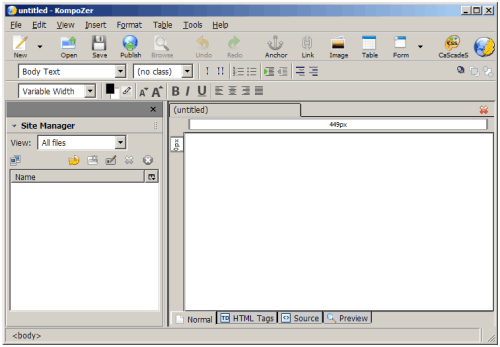
Image Editors
8. GIMP Portable
Perhaps every web designers know this application. GIMP is the best alternative for Adobe Photoshop. With this portable edition, you can edit your image easily no matter where you are (as long as you can access a PC).9. Inkscape Portable
Inkscape is an open source vector graphics editor, which is also an alternative for a commercial product such as Adobe Illustrator. They should include it in your portable applications collection if you are we/graphic designer.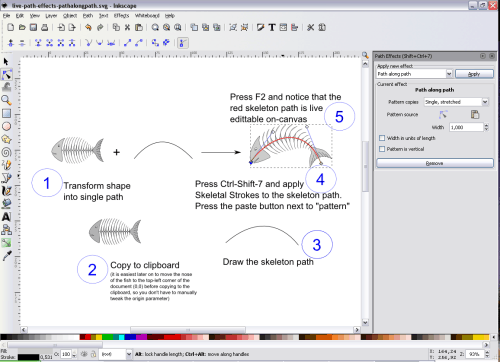
10. Fotografix
Fotografix has a tiny footprint–it is only 760KB after extract. It supports layer, scripts, filters and has features like Magic Wand, Eye Dropper, Clone, etc. This application may be another alternative for you when you just want to do simple image editing and don’t want to open huge application like GIMP.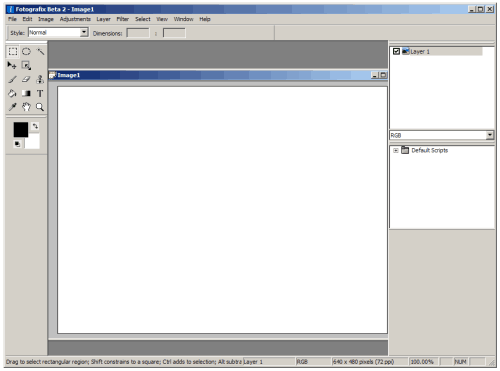
11. Artweaver
Artweaver is yet another alternative for Photoshop. It has bigger size than Fotografix and users can download the plugin pack which has filter such as Super Nova filter, Remove Red Eyes filter.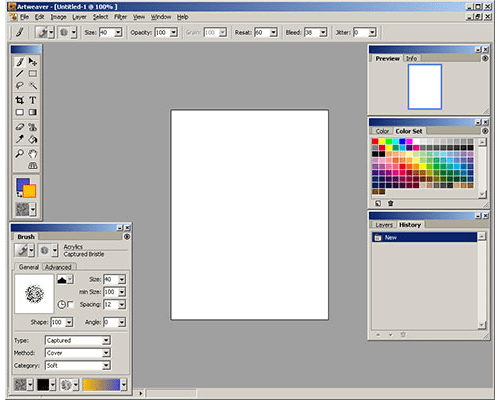
12. FastStone Image Viewer Portable
Fast Stone Image Viewer is a fast and stable image viewer, editor, and converted. It supports a lot of features such as resizing, red-eye removing, cropping. It is more than enough as a portable application.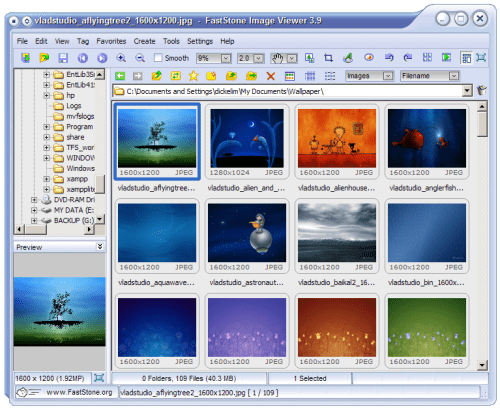
FTP Clients
13. FileZilla Portable
FileZilla is the most popular open source FTP client. With the portable version, you can save your clients’ server details and settings with you. Although you can use Firefox portable and install the FTP extension, but using a standalone FTP application is more encouraged as it provides more features and more options to be configured.14. WinSCP Portable
WinSCP is an open source and free SFTP client and FTP client for Windows. It integrates a text editor. I seldom use this application unless when I need to use SFTP or SCP protocols. So, I will recommend FileZilla for normal FTP uses.Web Servers
15. XAMPP Portable
XAMPP integrates Apache, MySQL, PHP and Perl into one package. Everything is pre-configured and you can run your own web server with no configurations. You can download the normal version or the lite version.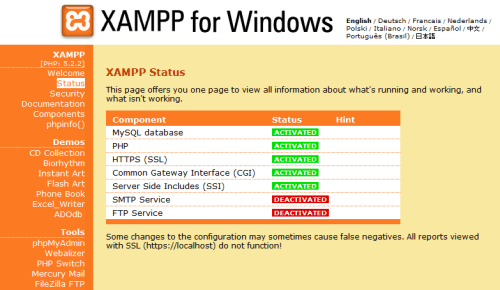
16. Server2Go
Server2Go is a free server package that includes standard features such as PHP, MySQL, Apache and Perl.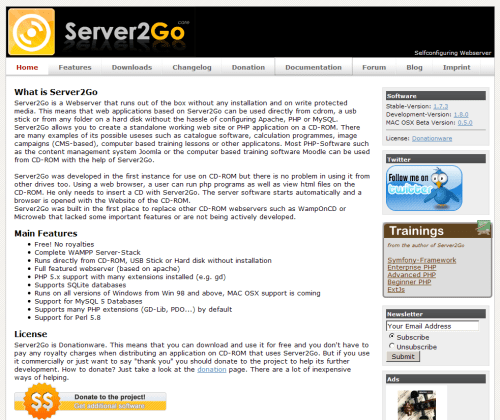
17. HTTP File Server
HTTP File Server is a very simple application to send/receive files over internet. It is a handy application when your client wants to send a file to you but the file size is over the maximum allowed size by the email provider. So, I Am always carrying this application with my USB drive.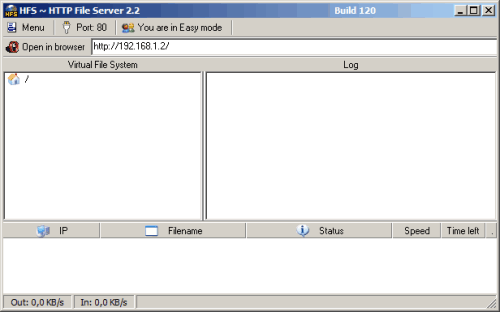
Office and Document Tools
18. Foxit Reader
Fixed Reader is a small, fast and popular PDF reader. Opening a PDF file with Foxi Reader is much faster than using Adobe Reader. Install the application to your computer and copy the installation folder and its files to your USB drive to make it portable.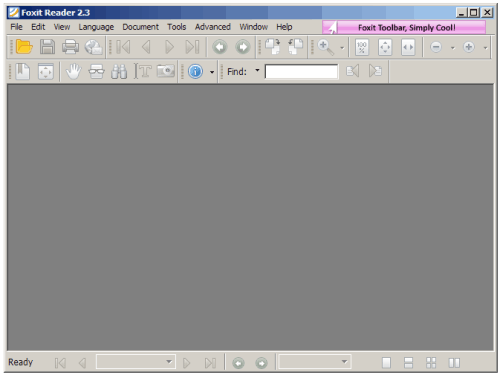
19. OpenOffice Portable
OpenOffice Portable is an alternative for Microsoft Office. It includes a word processor, spreadsheet, presentation tool, drawing package and database tool, which can completely replace Microsoft Office.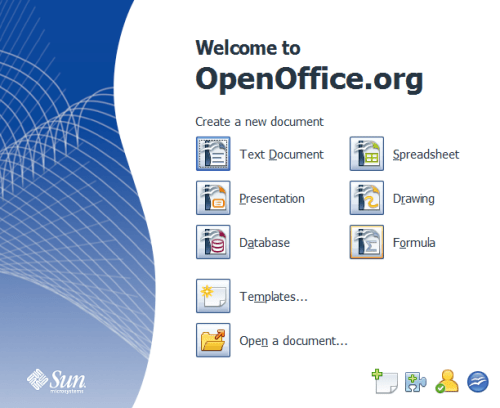
20. AbiWord Portable
AbiWord is a lightweight word processing application similar to Microsoft Word. It is only around 12MB after extract. So, if you just want to open/edit a simple document and don’t want to open huge application like Microsoft Office or OpenOffice, AbiWord may be your good choice.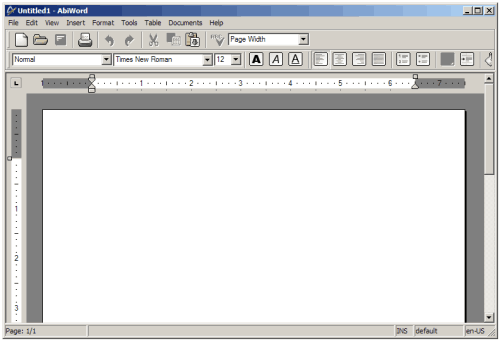
21. Thunderbird Portable Edition
Mozilla Thunderbird is a popular email client. It has a lot of plugins which will add extra features for you. The portable edition lets you bring along your emails and address book no matter where you are.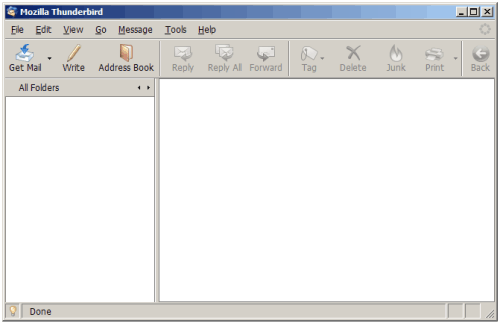
Can Ultrabooks Support Portable Apps for Web Designers and Developers?
Beginner’s Manual to Ultrabooks: Ultrabooks indisputably serve the mobile application requirements of web designers and developers. These tools are engineered to be both lightweight and sturdy, providing an ideal platform for operating apps while on the go. They offer web designers and developers the advantage of their portability and performance, leading to enhanced productivity and functionality, regardless of location, ensuring no compromise on efficiency or potential.
How Can Portable Apps Benefit Web Designers and Developers in Comparison to Gaming Laptops?
When it comes to gigabyte vs acer laptops comparison, portable apps can greatly benefit web designers and developers. Portable apps are lightweight, efficient, and don’t require installation, making them ideal for on-the-go work. They also consume less storage and processing power compared to gaming laptops, allowing for smoother workflow and better performance.
Note Taking Tools
22. MemPad
MemPad is a note taking application which you can arrange and manage your notes in a hierarchical, tree-based manner. It encrypts all notes saved into a single file. You can use this application to save your bookmarks or login information, if you are lazy enough to bring along other portable applications.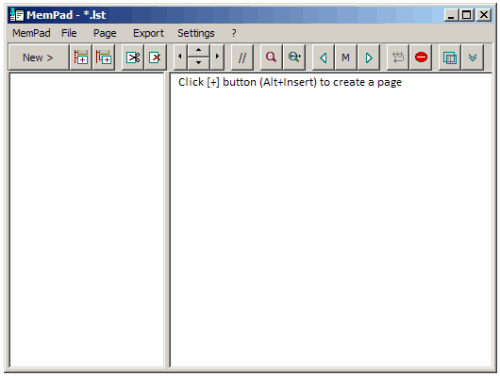
23. TiddlyWiki
TiddlyWiki is a personal web notebook and many people use TiddlyWiki as a GTD tool. Basically, it is an HTML file which let users to edit, save, tag and search the content on the fly. There are also a few plugins where you can download and install.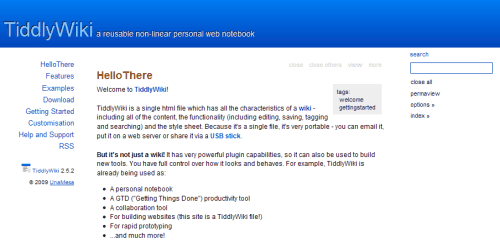
24. ToDoList
ToDoList is a free and portable task management tool. It stores the task lists in XML file while you can save the settings in in format. This provides more portability as you can carry everything with your USB drive.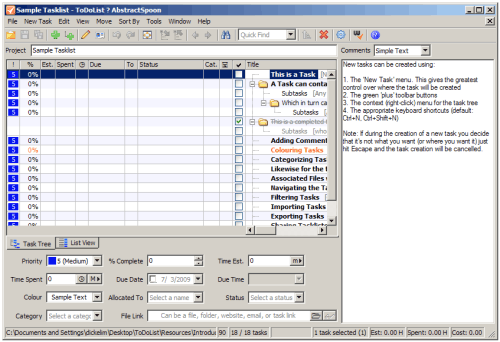
How Can Portable Apps Be Utilized for Mobile Web Development?
Portable apps are essential for mobile web development. A beginner’s guide to mobile web apps should focus on their utilization. They provide a flexible and efficient way to develop, test, and deploy mobile web applications. With portable apps, developers can work seamlessly across different devices and platforms, saving time and effort.
How Can Portable Apps for Web Designers and Developers be Used on a Chromebook?
When it comes to installing Python on a Chromebook, web designers and developers can benefit from using portable apps. These apps can be used to run Python scripts, test websites, and access a variety of web development tools on a Chromebook, making it a versatile option for professionals on the go.
Synchronize and Backup Tools
25. Toucan
Toucan is a custom-built portable app for advanced users to synchronize, backup and encrypt their data. The application has a built-in help section which explains the main features and gives the examples of how the “script” works.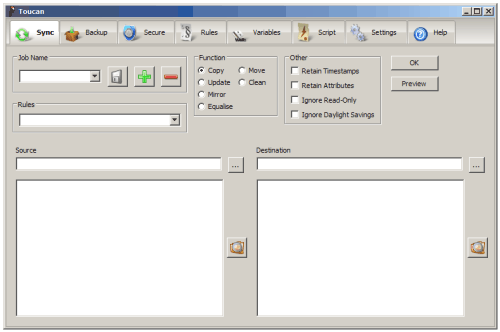
26. FreeFileSync
FreeFileSync is a colder comparison and synchronization too. You can use drag and drop to add folders for synchronization. It supports file size then greater than 4GB and has a handy feature called “delete before copy”, which will avoids disc spaces shortages when doing large files synchronization.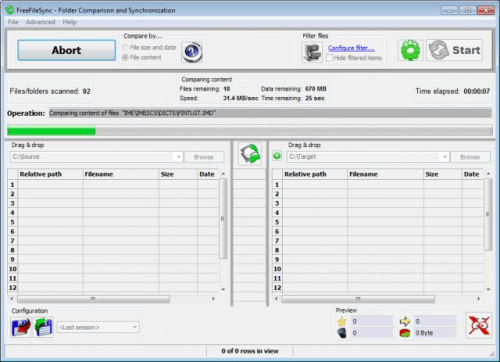
Utilities
27. KeePass Password Safe Portable
KeePass Password Safe lets you carry your login information and passwords on your USB drive. I have a lot of different clients and I need to login to their FTP servers from time to time. I can then save their login information and use a master password to protect them. So, basically I just need to remember one password to access their login information.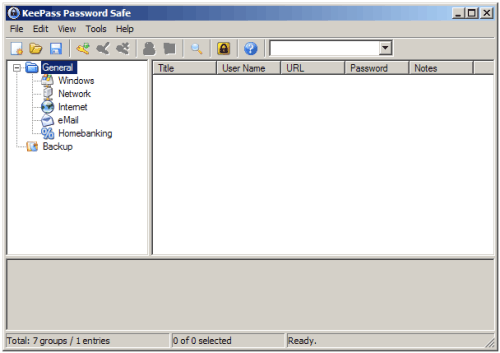
28. 7-Zip Portable
7-Zip is a popular free file compression and extraction tool. It supports a lot of formats such as 7z, zip, rar. Now you can bring along this application with your USB drive by downloading the portable version from portableapps.com.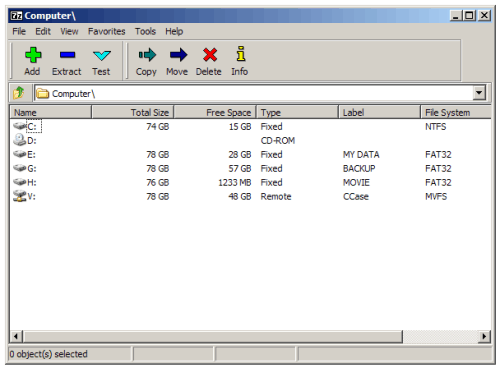
29. Font Matcher
If you are a web/graphic designer, I am sure you need to deal with a lot of fonts every day. Font Matcher becomes handy when you want to match a font from an image. Font Matcher only works for TTF fonts.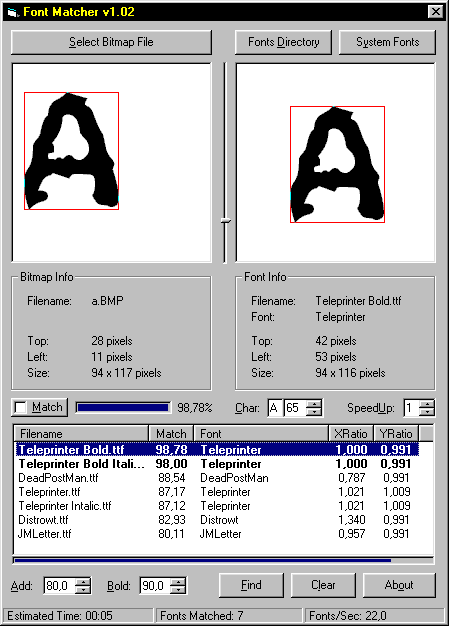
30. IcoFX
IcoFX is a free icon editor which has a lot of features such as icon conversion, creation, extraction. It supports resolution up to 256×256 and can easily import and convert images to icons.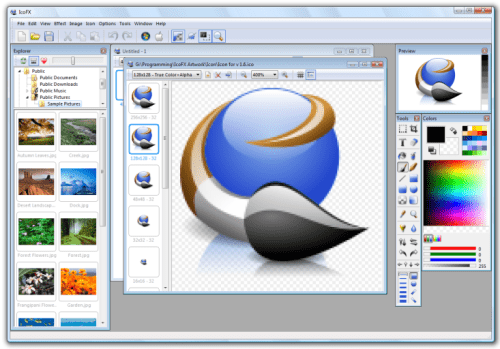
31. PicPick
PicPick is an all-in-one applications pack for designers and developers to perform actions like screen capture, color picker, and image editing. The application will lives itself in the system tray area so you can access the tools easily.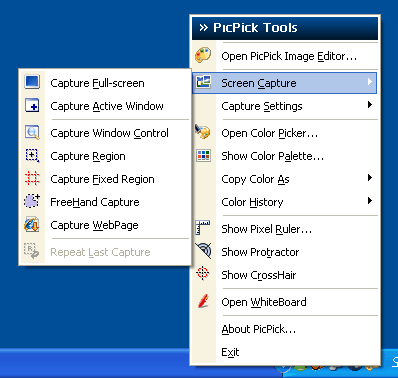
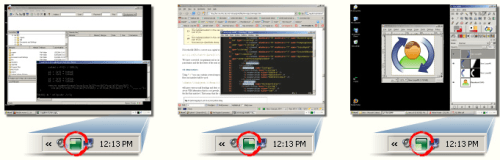
32. VirtuaWin
Linux users are very familiar with multiple desktops. Now, VirtuaWin bring this feature to Windows users and it allows you to run the application without installation. But, there are things that you need to take care when you use it, read the FAQ page for more information.